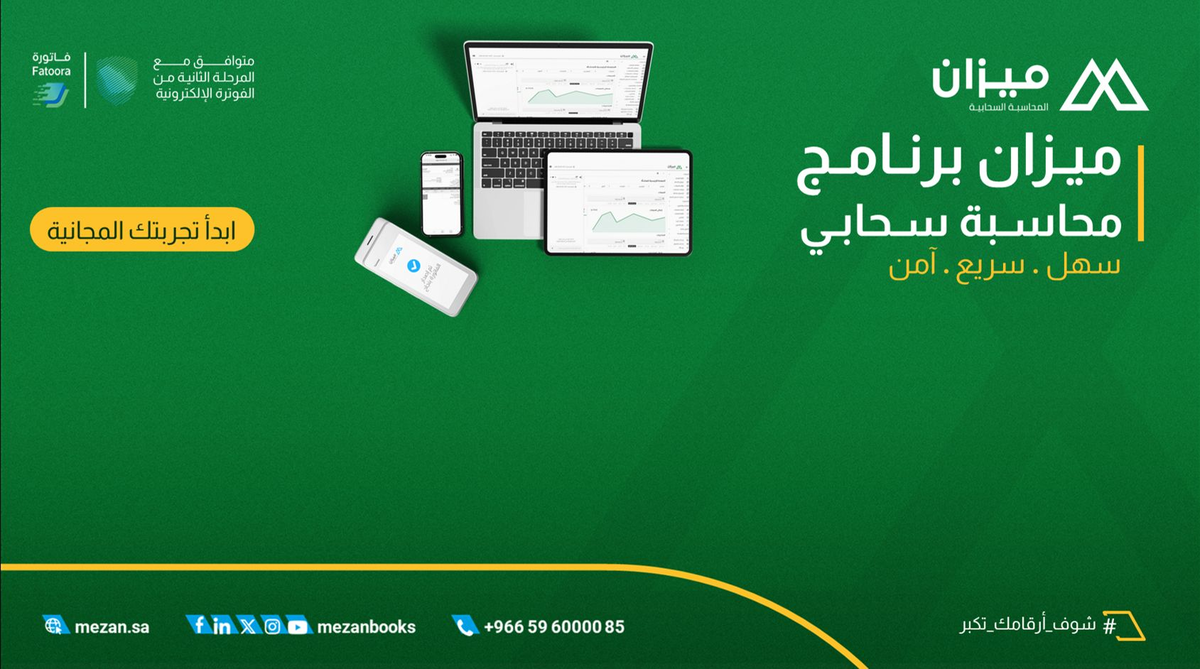
Create Electronic Invoices Quickly and Easily with Mezan Software
In today's business world, electronic invoicing has become an essential necessity for companies in Saudi Arabia, especially with compliance to the requirements of the Zakat, Tax and Customs Authority (ZATCA). If you're looking for a simple and effective solution to create electronic invoices fully compliant with Saudi standards, Mezan software is the optimal choice. Mezan is a cloud-based accounting system that allows you to manage your business from anywhere, with advanced features that make invoicing simple and fast.
Last edited: 16 September 2026
- Legal Compliance
Why Choose Mezan for Creating Your Electronic Invoices?
Mezan software features a set of advantages that make it the optimal choice for small and medium companies seeking an integrated and easy-to-use accounting solution:
-
Full Compliance with ZATCA: Mezan supports issuing unlimited electronic invoices, fully compliant with ZATCA and Fatoora requirements, ensuring legal safety without any complications.
-
Speed and Efficiency: Create an electronic invoice in just minutes, with the ability to add customers and products directly during the process.
-
User-Friendly Interface: Whether you're a new user or professional, Mezan provides a simplified interface that supports access from mobile phones or computers.
-
Additional Features: Inventory tracking, financial report management, point of sale (POS), and purchasing operations, all in one system.
-
Excellent Technical Support: Support team available via WhatsApp or phone from 8 AM to 12 PM daily, plus a 7-day free trial.
With Mezan, you won't need to install complex software or worry about updates – everything is cloud-based and automatically updated!
Quick Guide: How to Create an Electronic Invoice in Mezan
Watch this short tutorial video that shows step by step how to create an electronic invoice quickly, while adding the customer and product at the same time:
<iframe width="560" height="315" src="https://www.youtube.com/embed/usJyH1JLywE?si=-CA3AF6s2ORaJwhi" title="YouTube video player" frameborder="0" allow="accelerometer; autoplay; clipboard-write; encrypted-media; gyroscope; picture-in-picture; web-share" referrerpolicy="strict-origin-when-cross-origin" allowfullscreen></iframe>
In the video, you'll learn:
- Accessing the sales menu and creating a new invoice.
- Setting payment policy and adding customer data (such as tax number and address).
- Adding products with quantity and price specification.
- Completing the invoice and sending it directly to the customer.
This method saves time and reduces errors, making your work more efficient.
Try Mezan Today!
Don't miss the opportunity to try Mezan free for 7 days. Register now at mezan.sa and start issuing professional electronic invoices. If you have any questions, contact our support team – we're here to help you!
You can also request a free demo by visiting mezan.sa/demo where you'll be contacted within 24 hours to schedule a dedicated training session with one of our product experts to introduce you to Mezan and how to use it for your business.
Book a free business consultation
Tell us about your business. We’ll see if Mezan can help you.
Book your consultation