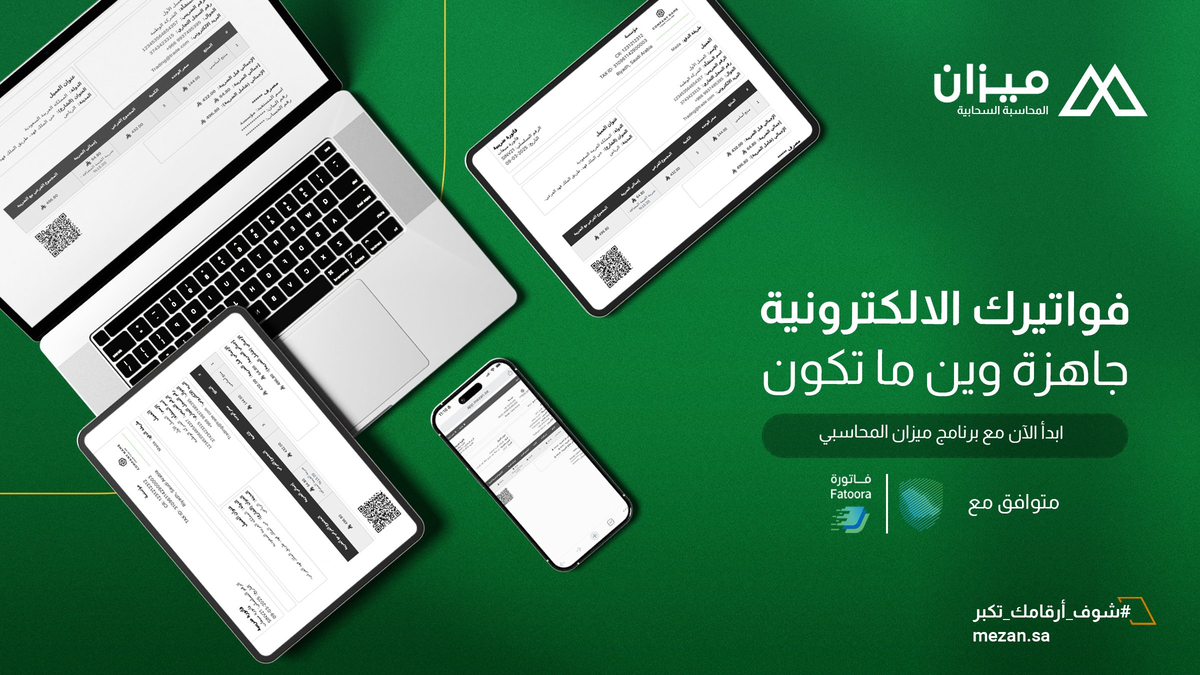
How to Verify Electronic Invoice Using QR Code
In the era of digital transformation, electronic invoices have become an essential part of business operations in the Kingdom of Saudi Arabia, especially with the implementation of the electronic invoicing system by the Zakat, Tax and Customs Authority (ZATCA). The Quick Response (QR) code serves as a vital tool for verifying invoice authenticity, containing encrypted data that enables quick and secure verification. If you're looking for "how to verify electronic invoice using QR code," this comprehensive guide will explain the detailed steps, importance, and tips to ensure full compliance. As Mezan, a company specialized in cloud-based accounting solutions, we help small and medium enterprises issue electronic invoices compliant with ZATCA, making the verification process easier and more efficient.
Last edited: 16 September 2026
- Legal Compliance
What is QR Code in Electronic Invoice?
A QR code is a two-dimensional code added to electronic invoices according to ZATCA requirements. It contains essential information such as seller name, tax identification number, invoice date, total amount, and VAT value. It aims to facilitate quick verification of invoice authenticity, enhancing transparency and reducing fraud cases.
Importance of Verifying Electronic Invoice Using QR
In Saudi Arabia, verifying electronic invoice authenticity has become a mandatory procedure since the implementation of the electronic invoicing system, and Mezan helps facilitate this through our cloud-based tools. Invoice verification ensures:
- Regulatory Compliance: Avoiding penalties resulting from incorrect invoices.
- Fraud Protection: Detecting any unauthorized modifications.
- Trust Enhancement: Between customers and establishments, especially in e-commerce.
- Efficiency: A quick process that takes only minutes.
Steps to Verify Electronic Invoice Using QR Code
For verification, you can use the official ZATCA application. Here are the detailed steps:
1. Download ZATCA Application
- Go to Google Play Store or App Store.
- Search for the official "Zakat, Tax and Customs Authority" application.
- Download and install it on your smartphone.
2. Open the Application and Navigate to Services
- Open the ZATCA application.
- On the main screen, click on "Services."
3. Navigate to VAT Section
- Look for the "Value Added Tax" section and click on it.
- You will find the "Electronic Invoice Verification" service.
- Click on "Start Service."
4. Scan QR Code on Invoice
- Point your phone's camera toward the QR code printed on the invoice.
- Wait for automatic scanning.
5. View and Analyze Results
- The application will display invoice details such as: seller name, tax identification number, issue date, total amount, and tax value.
- Compare these details with what is written on the invoice. If they match, the invoice is valid.
Tips for Effective Electronic Invoice Verification
To ensure successful and secure verification of electronic invoices, it is recommended to follow these important guidelines that help avoid common problems and ensure accurate results:
- Check Print Quality: Ensure QR code clarity before scanning to avoid reading errors.
- Use Proper Lighting: Use good lighting when scanning the code to ensure correct reading.
- Always Verify Important Invoices: Especially for large amounts or when dealing with new suppliers.
- In Case of Scan Failure: Contact the seller or ZATCA for assistance.
How Does Mezan Help You Issue Correct Electronic Invoices?
As a Saudi cloud-based accounting application, Mezan provides integrated solutions for issuing electronic invoices compliant with ZATCA. You can:
- Create automatic invoices with embedded QR codes.
- Internal verification before issuance.
- Integration with sales and inventory systems to avoid errors.
Start with Mezan today for a smooth and secure accounting experience!
Frequently Asked Questions
1. What if QR code scanning fails?
If scanning fails, ensure code clarity and lighting quality. You can also try another QR code reading application or contact the seller for a clearer copy of the invoice.
2. Can invoice be verified without QR code?
Yes, manual verification is possible by entering invoice data on the official ZATCA website, but using QR code is faster and more accurate.
3. What data is required in QR code?
The QR code must contain seller name, tax identification number, invoice date, total amount including tax, and VAT value.
4. Is QR code verification mandatory?
Verification is not mandatory for the buyer, but it is recommended to ensure invoice validity and avoid future problems, especially for large amounts.
5. What should I do if I discover the invoice is incorrect?
If QR code data doesn't match the printed invoice, immediately contact the seller to correct the error or report to ZATCA if you suspect fraud.
Conclusion
Verifying electronic invoice authenticity using QR code is a simple and effective process that ensures transparency and compliance with ZATCA regulations. By following the above steps, you can avoid risks and ensure the safety of your business transactions. Make sure to make electronic invoice verification part of your daily financial routine to ensure full compliance and protect your business from any legal or financial risks. At Mezan, we believe technology makes business easier, so we invite you to explore our services to manage your invoices efficiently.
Book a free business consultation
Tell us about your business. We’ll see if Mezan can help you.
Book your consultation